



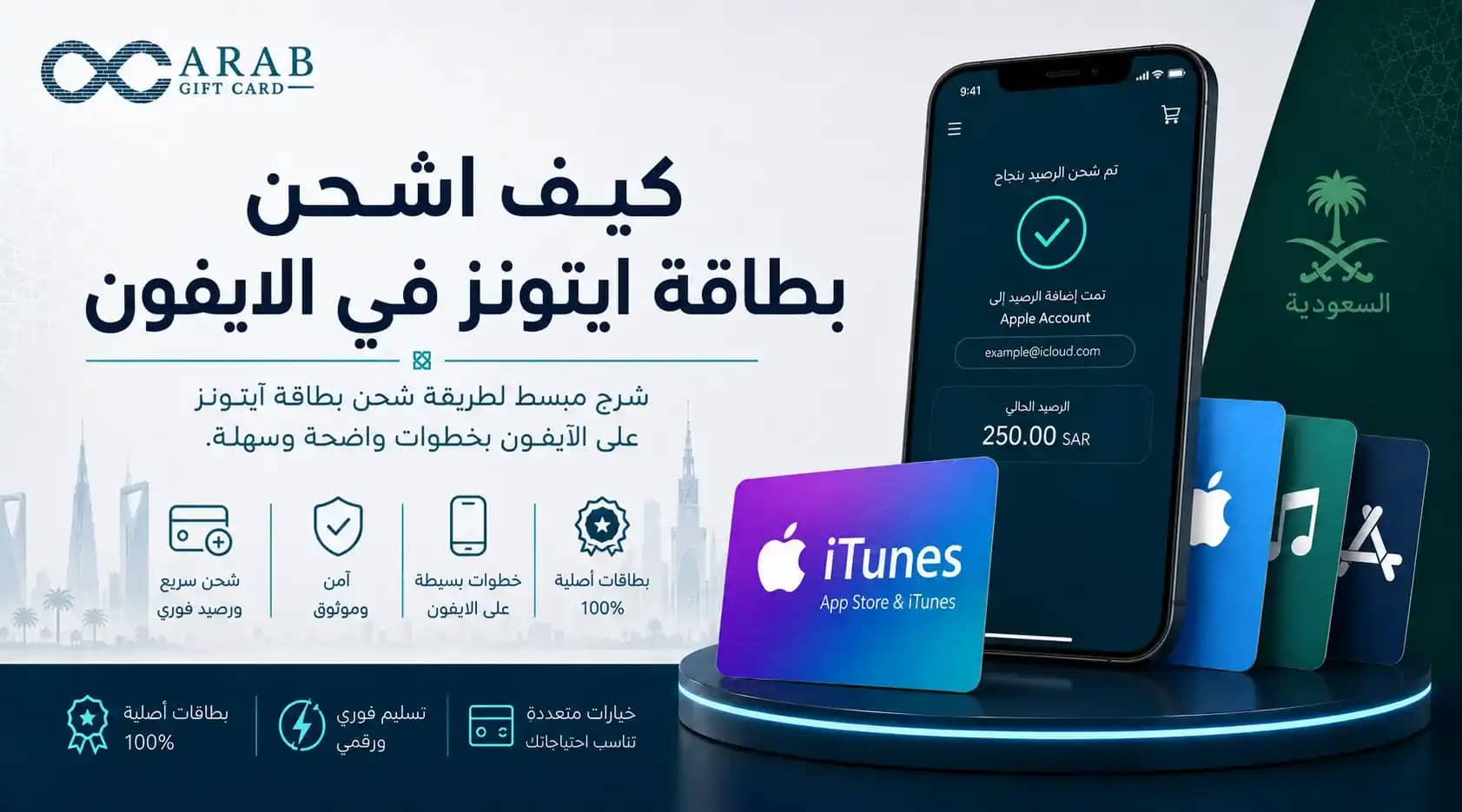
Many Apple device users are looking for a clear answer to the question of how to top up an iTunes card on an iPhone to ensure the balance is added correctly. Apple gift cards are a convenient way to activate subscriptions and manage spending without relying on bank cards for every transaction. By understanding how to redeem an iTunes card on iPhone, you can top up your account with ease and flexibility.
The Arab Gift Card store provides a suitable option to obtain these cards, offering a smooth shopping experience and instant code delivery, allowing you to start using your balance immediately.
How to top up an iTunes card on iPhone in detail
To correctly understand how to top up an iTunes card on an iPhone, you need to use the App Store application available on your device. Once you receive the digital code, you can easily add the balance by following these steps:
Open the App Store on your iPhone home screen.
Tap your profile picture or account icon at the top of the screen.
Select “Redeem Gift Card or Code” from the menu.
Choose the “Enter Code Manually” option.
Copy the 16-character alphanumeric code and paste it into the required field, then tap “Redeem” to update your balance.
Saudi iTunes top-up method
When considering purchasing an iTunes card for the local market, you must ensure compatibility with your account settings. The Saudi iTunes top-up process does not differ technically, but the key requirement is that your Apple ID must be registered in Saudi Arabia. Once the card is activated, the balance will be added in Saudi riyals, making it ready for purchases in the local currency.