


Recharging PUBG Mobile using SAWA balance is considered one of the easiest methods Saudi players rely on to purchase Unknown Cash (UC) without needing a bank card, as it deducts the value directly from your prepaid mobile balance. The idea is that STC provides a Direct Billing service through the official Midasbuy website, allowing you to top up your UC with the amount immediately deducted from your SAWA balance.
If you are looking for a faster and more secure method without any payment failures, the Arab Gift Card store provides official PUBG UC codes delivered to you via SMS the moment you make a purchase—order your top-up now and enjoy gaming without waiting. In this guide, we explain in detail how to top up PUBG using SAWA balance: the steps, prices in Riyals, conditions, payment troubleshooting, and faster alternatives.
What is PUBG Mobile UC?
Unknown Cash (UC) is the official currency inside PUBG Mobile, used to purchase the Royale Pass, crates, and skins. This is why thousands of players in Saudi Arabia search daily for the easiest way to buy it at the lowest cost and highest security.
Steps to Top Up PUBG Mobile (UC) Using SAWA Balance
Before we begin, you need to know that topping up PUBG via SAWA balance is done through the official Midasbuy website affiliated with Tencent, rather than directly from inside the game. The steps are simple and quick:
Go to the official Midasbuy website and select PUBG Mobile.
Enter your Player ID accurately.
Choose the UC category you want.
Under the payment method, select Direct Billing via STC / SAWA.
Confirm the transaction to receive a verification code on your mobile phone, and the UC will be added to your account instantly.
In this way, the process of topping up PUBG via SAWA is completed in minutes. For anyone looking to buy PUBG UC with mobile SAWA balance, this is the official approved method within the Kingdom.
PUBG Top-Up Prices via SAWA Balance (in Saudi Riyals)
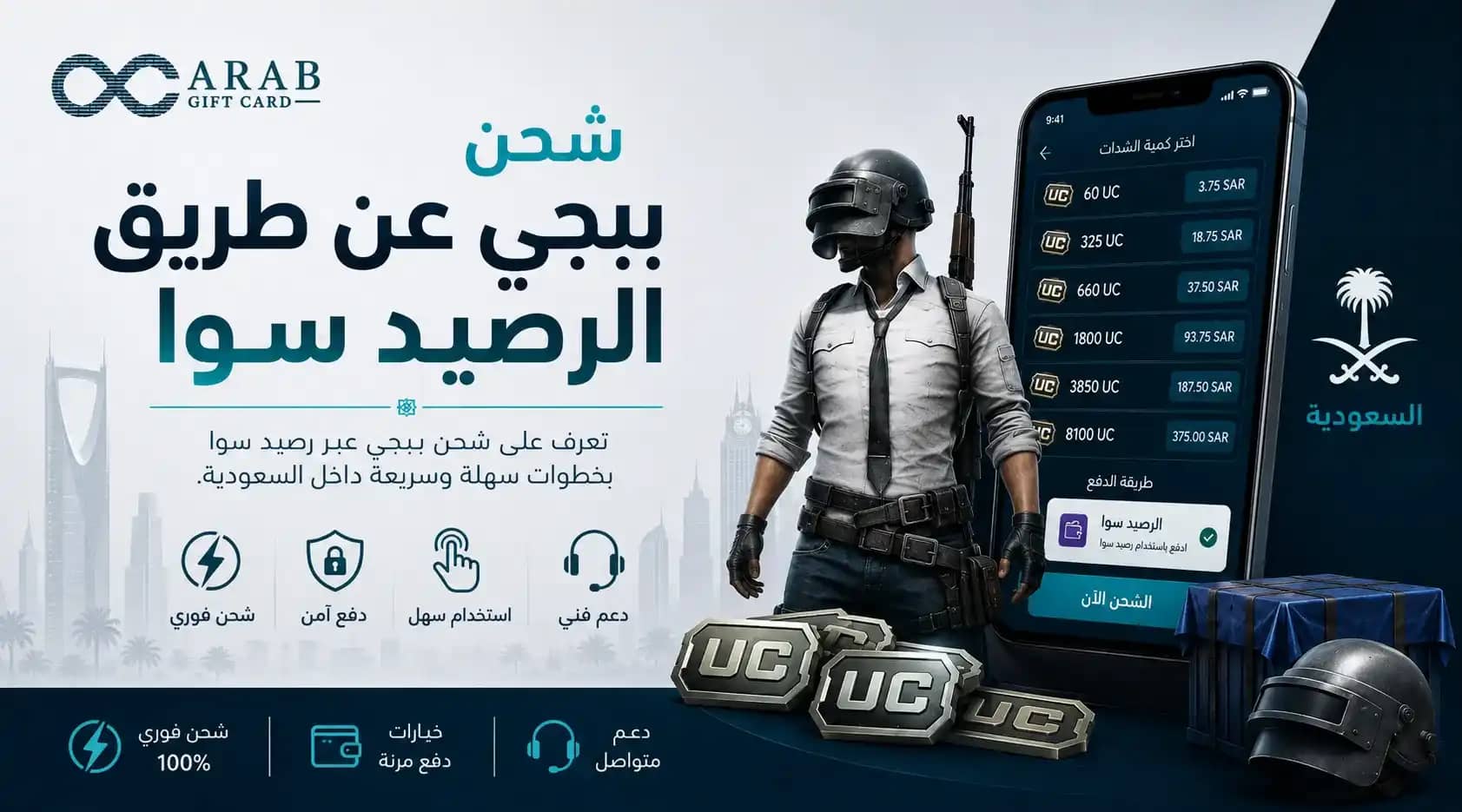
PUBG top-up prices via SAWA balance vary depending on the UC package, all in Saudi Riyals and inclusive of the 15% Value Added Tax (VAT). Before the table, note that these prices are approximate and may change with Midasbuy's seasonal offers:
These prices help you plan your budget before purchasing. If you wish to get a ready-made SAWA PUBG top-up code with a fixed value, the Arab Gift Card store offers clear pricing categories with instant delivery.
Conditions for Successful PUBG Top-Up via Prepaid STC SAWA Balance
To ensure your PUBG top-up via SAWA balance succeeds on the first try, you must verify several essential conditions before paying. We outline them clearly:
Sufficient Balance: Ensure your main SAWA balance covers the full package value.
Activate Direct Billing: The Direct Billing service must be activated on your STC / SAWA line.
Correct Player ID: Entering a wrong Player ID will send the UC to another account.
Purchase from the Official Website: Use Midasbuy exclusively to ensure your SAWA PUBG code arrives safely.
Meeting these conditions allows the SAWA top-up process to complete smoothly. For anyone who prefers to avoid these conditions entirely, purchasing codes from Arab Gift Card is the simplest solution.
Troubleshooting "Payment Failed" or "Insufficient Balance" When Using SAWA
One of the most common issues is receiving a "Payment Failed" or "Insufficient Balance" message. Before looking at solutions, know that the reason is usually simple and can be resolved quickly:
Insufficient Balance: Re-top up your SAWA balance so it covers the full package value including tax.
Direct Billing Not Activated: Contact STC to activate the billing/balance payment service.
Exceeding the Monthly Limit: Some lines have a maximum monthly limit for purchases via balance.
Temporary Gateway Issue: Wait a few minutes and try again on a stable network.
If PUBG top-up via SAWA balance repeatedly fails, the fastest alternative is to purchase a ready-made SAWA PUBG top-up code from the ARAB GIFT CARD store, where there are no payment failure issues and the code arrives instantly.
The Difference Between Topping Up via MySTC App and Midasbuy Website
Many players confuse the MySTC app with the Midasbuy website, despite their distinct roles. The MySTC app is for managing your line, balance, and activating services like Direct Billing, while Midasbuy is the official store to purchase the UC itself. In short: you use MySTC to check your balance and activate payments, then complete the PUBG top-up via SAWA balance on Midasbuy.
SAWA Top-Up Alternatives: Using the STC Pay App for PUBG
If direct billing does not suit you, one of the best alternatives to topping up with SAWA balance is using the STC Pay wallet. STC Pay is a digital wallet independent of your mobile balance; you can fund it and then use it to pay on Midasbuy or digital stores.
The advantage of this alternative is that it is not affected by main balance spending limits, and it is one of the easiest ways to indirectly top up PUBG via STC balance. You can also resort to topping up PUBG via STC balance through prepaid cards sold at retail points, which is convenient for those without a bank card.
Using these alternatives for PUBG top-ups gives you greater flexibility in controlling your spending. In all cases, purchasing UC from the Arab Gift Card store remains the fastest option, as it combines Mada and STC Pay support with instant delivery via SMS.
In conclusion, topping up PUBG via SAWA balance remains a practical option for any Saudi player without a bank card, provided the conditions are met. With the Arab Gift Card store, you get your UC with official codes, instant delivery via SMS, and specialized technical support—order your top-up now and keep playing without interruption.
Frequently Asked Questions About "PUBG Top-Up via SAWA Balance"
We have gathered the most frequently asked questions about topping up PUBG via SAWA balance with direct and accurate answers.